
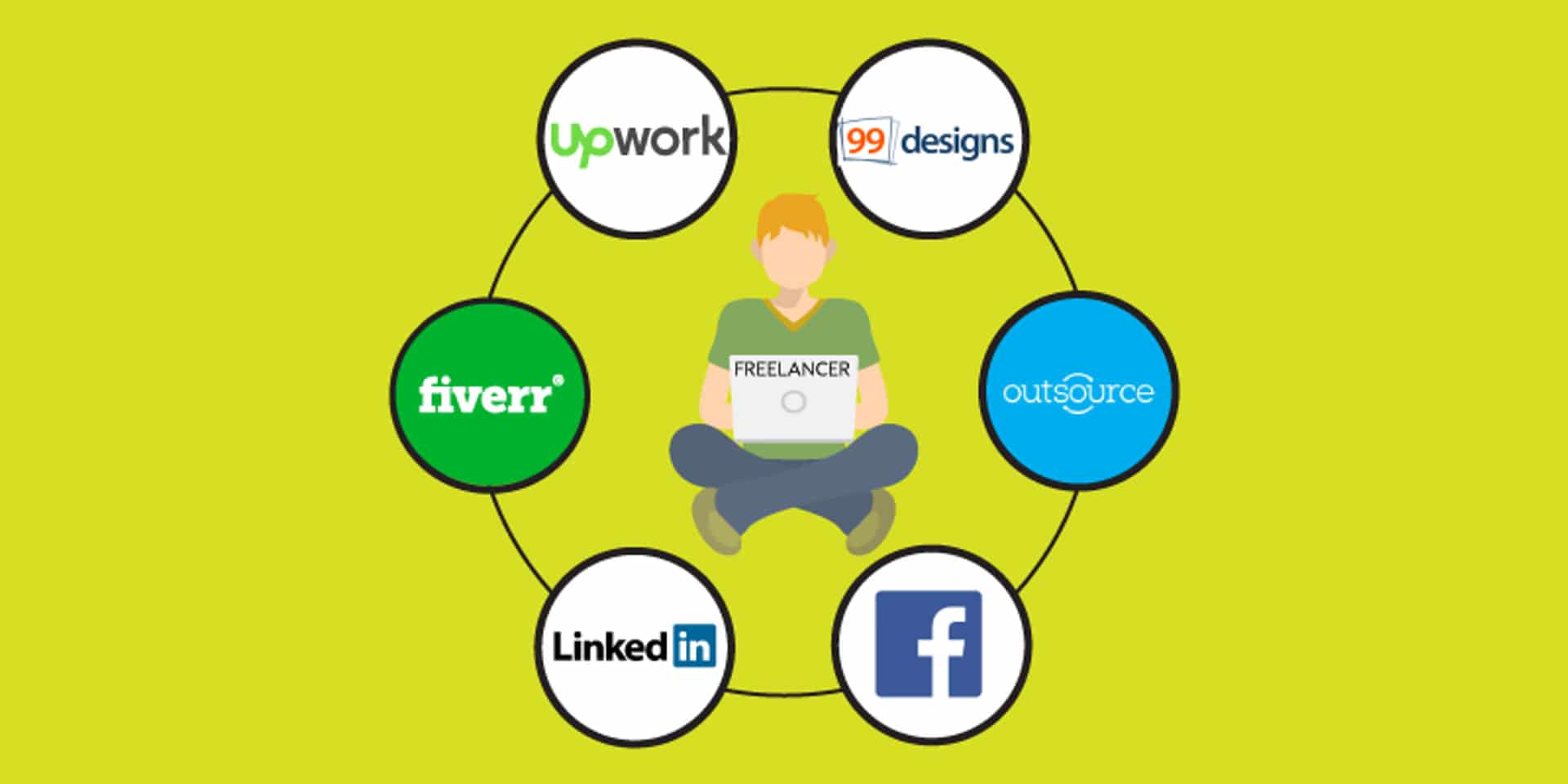
Finding your first freelance client can feel difficult when you have little experience, no reviews, and a small portfolio. Fortunately, several freelance websites allow beginners to create profiles, showcase their skills, and connect with businesses looking for remote help.
The best freelance platforms for beginners depend on what you want to offer. Some websites let you publish predefined services, while others require you to apply for projects. Some specialize in creative work, and others cover programming, writing, administration, marketing, and consulting.
This guide compares the leading freelance websites, explains their main advantages and disadvantages, and shows you how to choose a platform that fits your skills and budget.
Best freelance platforms for beginners at a glance
| Platform | Best for | How you find work | Main consideration |
|---|---|---|---|
| Fiverr | Creative and digital services | Publish service listings | Competition and seller fees |
| Upwork | Writing, programming, marketing, virtual assistance | Submit proposals and receive invitations | Some proposals require paid Connects |
| Freelancer.com | General projects and design contests | Bid on projects or enter contests | Strong price competition |
| Contra | Portfolio-based creative and digital work | Showcase work and connect with clients | Check current payment and plan fees |
| PeoplePerHour | Writing, design, marketing and technology | Submit proposals or list offers | Approval and fee structure |
| Guru | Professional and ongoing projects | Apply for jobs and send quotes | Membership options and fees |
| 99designs | Graphic design and branding | Client projects and design contests | Contest entries may go unpaid |
| Professional services and direct clients | Networking, job listings and outreach | You manage your own client agreements |
These platforms use different business models, so compare the fees, client acquisition process, payment protection, and eligibility requirements before committing to one. Upwork’s freelance website comparison also discusses how marketplaces differ in services, costs, and payment arrangements.
1. Fiverr: Best for selling simple services
Fiverr is a popular option for beginners who can turn a skill into a specific service with a clear price and deliverable. Instead of sending a proposal for every job, you create a listing—often called a gig—that potential clients can discover and purchase.
Services you can sell
- Blog post writing and proofreading.
- Logo design and social media graphics.
- Short-form video editing and subtitles.
- WordPress setup and basic website fixes.
- Presentation design and spreadsheet formatting.
- Virtual assistance and product listing creation.
Advantages
- You can define the service, price, delivery time, and scope.
- A well-structured listing can attract buyers without sending individual proposals.
- You can create several related service packages.
Disadvantages
- Many categories are competitive, particularly for generic services.
- New sellers may need time to receive their first order.
- Fiverr generally deducts a 20% commission from freelancer earnings; check its current terms.
Beginner tip: Offer one specific outcome rather than advertising yourself as someone who does everything. For example, “I will edit five short videos with captions” is clearer than “I will do video editing.”
Explore Fiverr2. Upwork: Best for project-based and ongoing work
Upwork connects freelancers with clients who publish projects or invite professionals to apply. It covers areas such as software development, content writing, graphic design, customer support, data analysis, and digital marketing.
How it works
- Create a profile that explains your services and relevant experience.
- Search for projects that match your skills and availability.
- Send a tailored proposal explaining how you would solve the client’s problem.
- Agree on the scope, deadlines, and payment terms before starting.
Advantages
- Offers hourly contracts and fixed-price projects.
- Can be suitable for recurring work with the same client.
- Provides platform tools for contracts, payments, and certain forms of payment protection.
Disadvantages
- Some proposals require Connects, which can cost money.
- Clients may receive many applications for the same project.
- Your profile and proposals need to communicate value, even if you have limited experience.
Upwork’s freelancer service fee can vary by contract. Check the rate shown for your contract and account before pricing your work.
Beginner tip: Apply to smaller, clearly defined projects that match your current abilities. Refer to a specific detail in the job description and explain what you will deliver rather than sending the same generic proposal to everyone.
Explore Upwork3. Freelancer.com: Best for exploring different project types
Freelancer.com is a general marketplace with projects in programming, writing, data entry, design, marketing, and other professional categories. Freelancers can bid on posted jobs, while some clients use contests to collect creative submissions.
Advantages
- Wide variety of project categories.
- Fixed-price projects and hourly opportunities.
- Design contests can expose you to different briefs and styles.
Disadvantages
- Some listings attract many bids.
- Winning a contest is not guaranteed, so avoid spending excessive time on speculative entries.
- Fees and account conditions vary by project type and membership.
Beginner tip: Calculate how much time a project will take before bidding. A low-priced job may not be worthwhile if it requires many revisions or has an unclear scope.
Explore Freelancer.com4. Contra: Best for a professional portfolio
Contra focuses on independent professionals and digital services. It can be a useful choice for designers, developers, marketers, video editors, and other freelancers who can demonstrate their skills through work samples.
Advantages
- Portfolio-oriented presentation of your work.
- Tools designed for managing freelance projects and professional relationships.
- Advertises a commission-free model for freelancers, although payment processing, client charges, and optional plan fees may still apply.
Disadvantages
- It may take effort to bring potential clients to your profile.
- Beginners with no portfolio may need to create sample projects first.
- Check current terms to understand all fees associated with your chosen payment method.
Beginner tip: Publish three strong samples with a short explanation of the problem, your approach, and the final result. Clearly label practice projects as personal or sample work rather than paid client work.
Explore Contra5. PeoplePerHour: Best for fixed-price offers and proposals
PeoplePerHour connects businesses with freelancers in areas such as content, design, development, marketing, and business support. Freelancers can respond to projects or package services as predefined offers.
Advantages
- Supports different ways of presenting and selling services.
- Can be suitable for small deliverables as well as larger projects.
- Offers platform-based project and payment workflows.
Disadvantages
- Profile approval and access conditions may apply.
- Competition and client demand vary by category and region.
- Fees can depend on billing history with a client, so verify the current fee schedule.
Beginner tip: Make your offer easy to evaluate. Include the deliverable, turnaround time, what you need from the client, and how many revisions are included.
Explore PeoplePerHour6. Guru: Best for professional project relationships
Guru is a freelance marketplace covering professional services such as programming, writing, design, administration, engineering, and business consulting.
Advantages
- Supports different project arrangements and ongoing client work.
- Lets freelancers present their experience and submit quotes.
- Provides SafePay features intended to support payment arrangements.
Disadvantages
- Available opportunities depend on your service category.
- Membership tiers and fees can affect the overall cost of using the platform.
Beginner tip: Focus your profile on a specific type of client or task. A clear specialty makes it easier for a potential customer to understand why you are a good fit.
Explore Guru7. 99designs: Best for graphic designers
99designs specializes in creative work, including logos, brand identities, web design, packaging, and other visual projects. It connects businesses with designers through direct projects and design contests.
Advantages
- Concentrates on design rather than every kind of freelance service.
- Can help designers showcase a recognizable creative style.
- Offers opportunities to work on branding and visual identity projects.
Disadvantages
- It is not appropriate for most non-design services.
- Contest work can consume time without guaranteeing payment.
- Platform eligibility, fees, and contest terms should be checked before participating.
Beginner tip: Prepare a small portfolio that shows variety and consistency. Demonstrate typography, color choices, layout, and the reasoning behind each design.
Explore 99designs8. LinkedIn: Best for finding direct clients
LinkedIn is not a traditional freelance marketplace, but it can help beginners find clients without relying entirely on gig platforms. Businesses use it to discover professionals, publish opportunities, and build working relationships.
Advantages
- You can build a professional profile and share useful work samples.
- It can help you connect directly with business owners, agencies, and recruiters.
- You are not limited to one marketplace’s project listings.
Disadvantages
- Finding leads requires networking and outreach.
- You must establish your own payment terms and contracts when working directly.
- Fraudulent job offers can appear on social networks, so verify clients carefully.
Beginner tip: Share a useful example of your work and contact businesses that could genuinely benefit from your service. Avoid mass messaging people with generic sales pitches.
Explore LinkedInWhich freelance platform should you choose?
The right website depends on your skill, how you prefer to find clients, and how much time you can spend applying for work. Use this quick selector to narrow your options.
Start with a clearly defined creative service, then test which offers attract inquiries.
How much do freelance platforms charge?
Fees matter because the amount a client pays is not necessarily the amount you receive. Depending on the marketplace, you may encounter a commission on earnings, paid proposal credits, subscription plans, payment processing fees, or currency conversion costs.
| Platform | Fee model to check | What beginners should know |
|---|---|---|
| Fiverr | Commission on completed orders | Factor the platform’s share into your prices. |
| Upwork | Contract service fee and possible Connects costs | Check the fee displayed for your contract and the cost of submitting proposals. |
| Freelancer.com | Project or hourly fees; optional memberships | Review the rules for the specific project type. |
| Contra | Advertised freelancer commission model, plus possible processing or plan costs | Confirm the total cost of the payment method you choose. |
| PeoplePerHour | Fees that can vary with billing history and other terms | Review the current fee schedule before accepting a job. |
| Guru | Fees may vary by membership and payment arrangement | Compare the free and paid account options. |
Platform policies can change. Before accepting your first job, check the official pricing and terms pages rather than relying on an old fee comparison.
Example: calculating your net earnings
Suppose you charge $100 for a project. The amount left after a platform commission depends on the fee rate, before considering taxes, withdrawal charges, or other costs.
| Illustrative fee | Fee deducted | Amount remaining |
|---|---|---|
| 5% | $5 | $95 |
| 10% | $10 | $90 |
| 15% | $15 | $85 |
| 20% | $20 | $80 |
These are examples for comparing fee rates, not a statement of the current fee charged by every platform. Your final take-home income may be lower after taxes and payment costs.
How to start freelancing with no experience
Step 1: Choose one marketable skill
You do not need to master every digital skill. Choose one service you can deliver reliably, such as proofreading, editing short videos, creating social media posts, building simple WordPress pages, or organizing spreadsheets.
Step 2: Create sample projects
If you have never worked with a paying client, create two or three realistic samples. A writer can prepare sample articles; a designer can develop a mock brand identity; a virtual assistant can create a sample content calendar or spreadsheet.
Be honest about your experience. Label practice work as a sample instead of claiming that a real business hired you.
Step 3: Write a focused profile
Explain the service you provide, the type of client you help, and the result you aim to deliver. Avoid vague claims such as “I am the best freelancer.” Specific information is more useful.
Step 4: Set a realistic starting price
Research comparable services and estimate how long the work will take. You may choose an introductory price while building your portfolio, but avoid accepting work that cannot be completed properly at that rate.
Step 5: Submit thoughtful applications or improve your service listing
On proposal-based platforms, explain why you fit the particular project and how you would approach it. On gig-based platforms, use a clear title, relevant examples, realistic delivery times, and a precise list of inclusions.
Step 6: Protect yourself and communicate clearly
Agree on deliverables, revisions, deadlines, and payment terms before starting. Use the platform’s official payment process when required, and keep important project details in writing.
How to get your first freelance client faster
- Choose a narrow service: Specific offers are easier for clients to understand and compare.
- Show evidence: A useful portfolio sample can be more persuasive than a long list of skills.
- Personalize your pitch: Mention the client’s actual needs instead of sending a copy-and-paste message.
- Respond professionally: Ask concise questions and confirm deadlines before committing.
- Deliver on time: Reliable communication and quality work can lead to repeat projects.
- Request honest feedback: After successful completion, invite the client to leave a review where platform rules permit it.
- Track results: Record applications, replies, interviews, completed jobs, and time spent to identify what works.
Common mistakes beginners should avoid
- Joining too many platforms at once: Start with one or two and learn how to use them effectively.
- Applying to every job: Focus on projects that genuinely match your skills.
- Offering unlimited revisions: Define what is included and how additional work will be charged.
- Ignoring platform fees: Calculate your net earnings before accepting a price.
- Doing extensive unpaid tests: Be cautious of clients who request complete deliverables before hiring you.
- Moving payments off-platform improperly: Follow the marketplace’s terms and use agreed payment protections.
How to recognize freelance job scams
New freelancers can be vulnerable to fake clients who promise easy money. Be careful when a supposed employer:
- Asks you to pay a deposit, training fee, or equipment fee to obtain a job.
- Sends a check or payment and asks you to return part of the money.
- Requests passwords, one-time verification codes, or sensitive financial details.
- Offers unusually high pay for minimal work but refuses to explain the task.
- Pressures you to bypass the platform’s rules or payment system.
Verify the client, read the project description carefully, and check the platform’s dispute and payment-protection rules. Never assume a profile is legitimate simply because it appears on a well-known website.
Can you freelance from another country?
Many freelance platforms serve international users, but eligibility, identity verification, available payment methods, and withdrawal options depend on the platform and your country. Before investing time in your profile, verify that the service accepts freelancers where you live and supports a practical way to receive payments.
If you live in Peru or another country outside the United States, also consider currency conversion, withdrawal fees, tax reporting obligations, and whether the payment provider can transfer funds to your account. Keep records of invoices, earnings, and business expenses, and consult an appropriate tax professional if you need advice about your obligations.
Frequently asked questions
What is the best freelance platform for complete beginners?
Fiverr can suit beginners who can package a service into a clear offer. Upwork may be better if you prefer applying to specific projects. Neither guarantees work, and both require a strong profile and a realistic service.
Can I start freelancing without a portfolio?
Yes, but sample projects can help clients evaluate your abilities. Create a few examples relevant to the work you want and label them honestly as practice or personal projects.
Which freelance website has the lowest fees?
It depends on the platform’s current pricing, payment method, membership, and contract type. Contra advertises a commission-free model for freelancers, but processing and other fees may apply. Compare the total cost rather than just the headline commission.
Can students freelance while studying?
Yes. Students can offer services such as tutoring, editing, graphic design, translation, and virtual assistance, subject to the platform’s minimum-age rules and local requirements. Start with a manageable workload so freelance deadlines do not interfere with your studies.
How long does it take to get the first freelance job?
There is no fixed timeline. It may take days, weeks, or longer depending on demand, your skills, pricing, portfolio, and the quality of your applications. Treat the first stage as a process of testing and improving your offer rather than expecting immediate income.
Should I join multiple freelance platforms?
Starting with one or two is usually easier than trying to maintain profiles everywhere. Once you understand which services attract inquiries, expand to another platform that reaches a different type of client.
Do I need to pay to become a freelancer?
Many platforms allow free registration, but some charge for proposal credits, optional memberships, or other services. You can often start with basic tools and free portfolio samples, but always check the platform’s current terms.
Final thoughts
The best freelance platforms for beginners are the ones that match your skills, work style, budget, and preferred clients. Fiverr is a useful starting point for predefined services, Upwork offers a proposal-based marketplace, Freelancer.com provides a wide range of projects, and Contra and LinkedIn can help showcase your work and develop professional connections.
Choose one service, create a few strong samples, and focus on delivering real value. Your first freelance job may take time to secure, but consistent practice, clear communication, and careful project selection can help you build a sustainable freelance career.